Support Page
The Launcher (Cookbook)
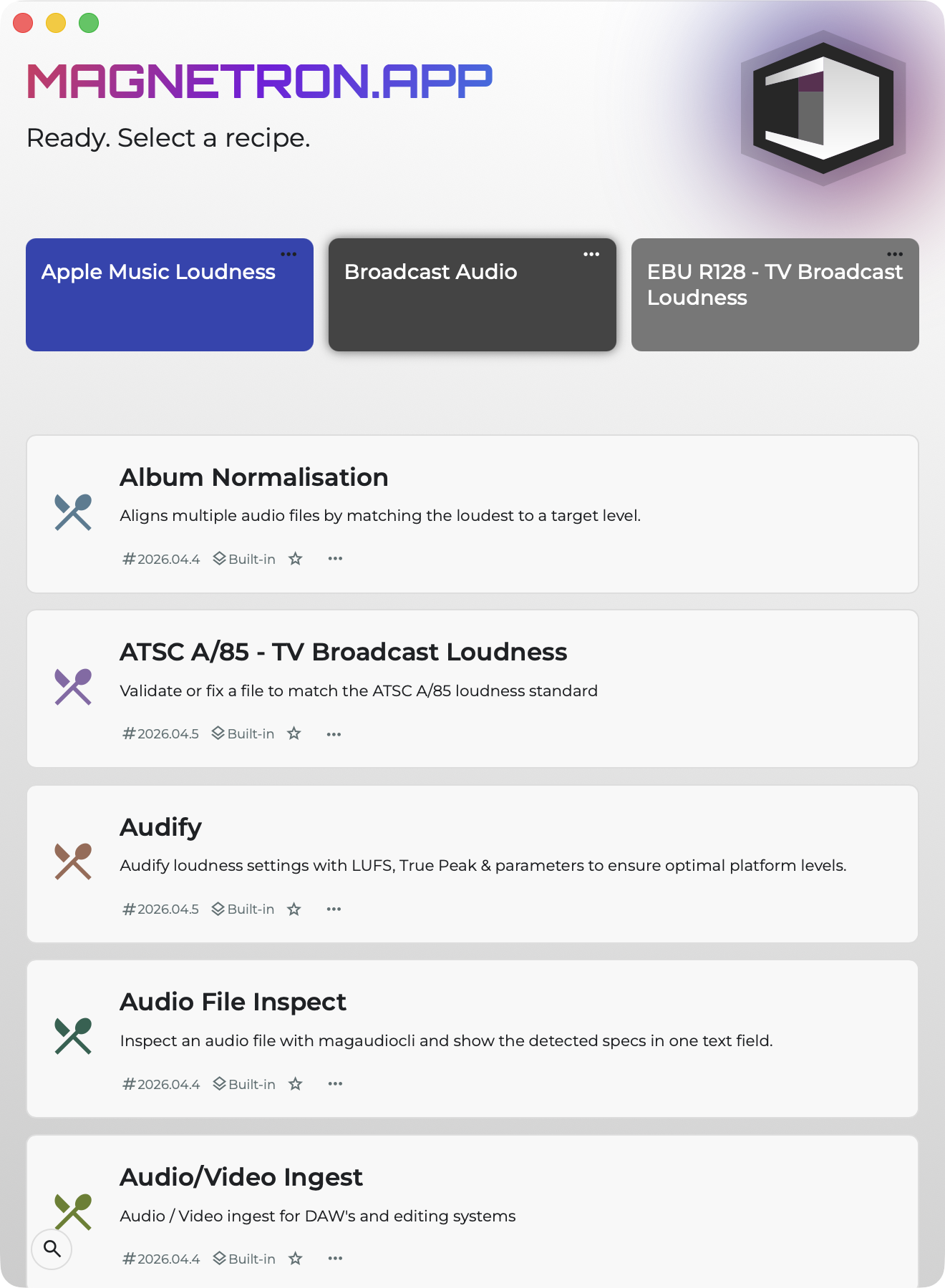
The Launcher (also known as the Cookbook) is the place where you’ll find all the recipes available to you. By default, it opens automatically when Magnetron starts.
hiding and favoriting
All recipes are shown in a list by default. You can mark recipes as favorites by clicking the star icon, or by selecting Favorite from the menu (⋯) on a recipe tile. From this same menu, you can also hide recipes if you don’t want them to appear in your list.
sarching
You can search (filter) the list by clicking the search icon in the bottom-left corner, or by pressing Cmd + F.
Return to Launcher from a recipe
If you opend a recipe you can always return to the launcher by clicking on "Show Launcher" in the menu, clicking cmd+1 or by clicking the small Magnetron icon at the top right (next to the "MacOs traffic light").

Order in detail
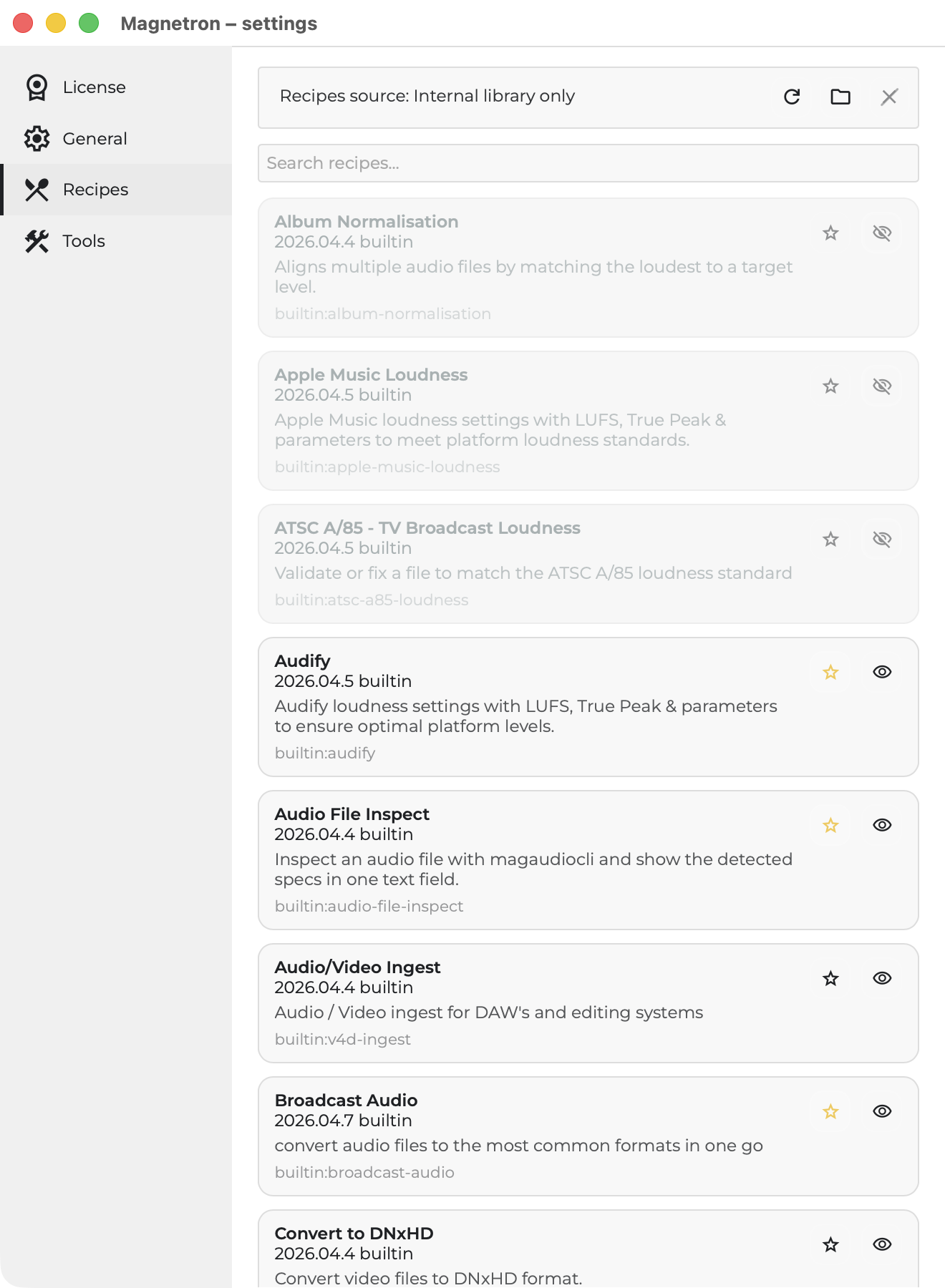
In the Settings, you’ll find a complete overview of all recipes. Here you can always see every recipe, including hidden ones, and manage them by favoriting, hiding, or unhiding. You can also specify a folder where your own custom recipes are stored.