Recipe
Album Normalisation
Aligns multiple audio files by matching the loudest to a target level.
Album Normalisation is designed for collections of tracks that should feel balanced together instead of being normalized one by one in isolation. It is the right tool when preserving the musical relationship between tracks matters more than forcing every file to the same standalone loudness impression.
- Analyze a batch of tracks as one group.
- Match the loudest file to the target and keep the relative gain differences between the rest.
- Control peaks with either a fast peak limiter or a true-peak limiter.
- Export normalized files with optional folder and naming rules.
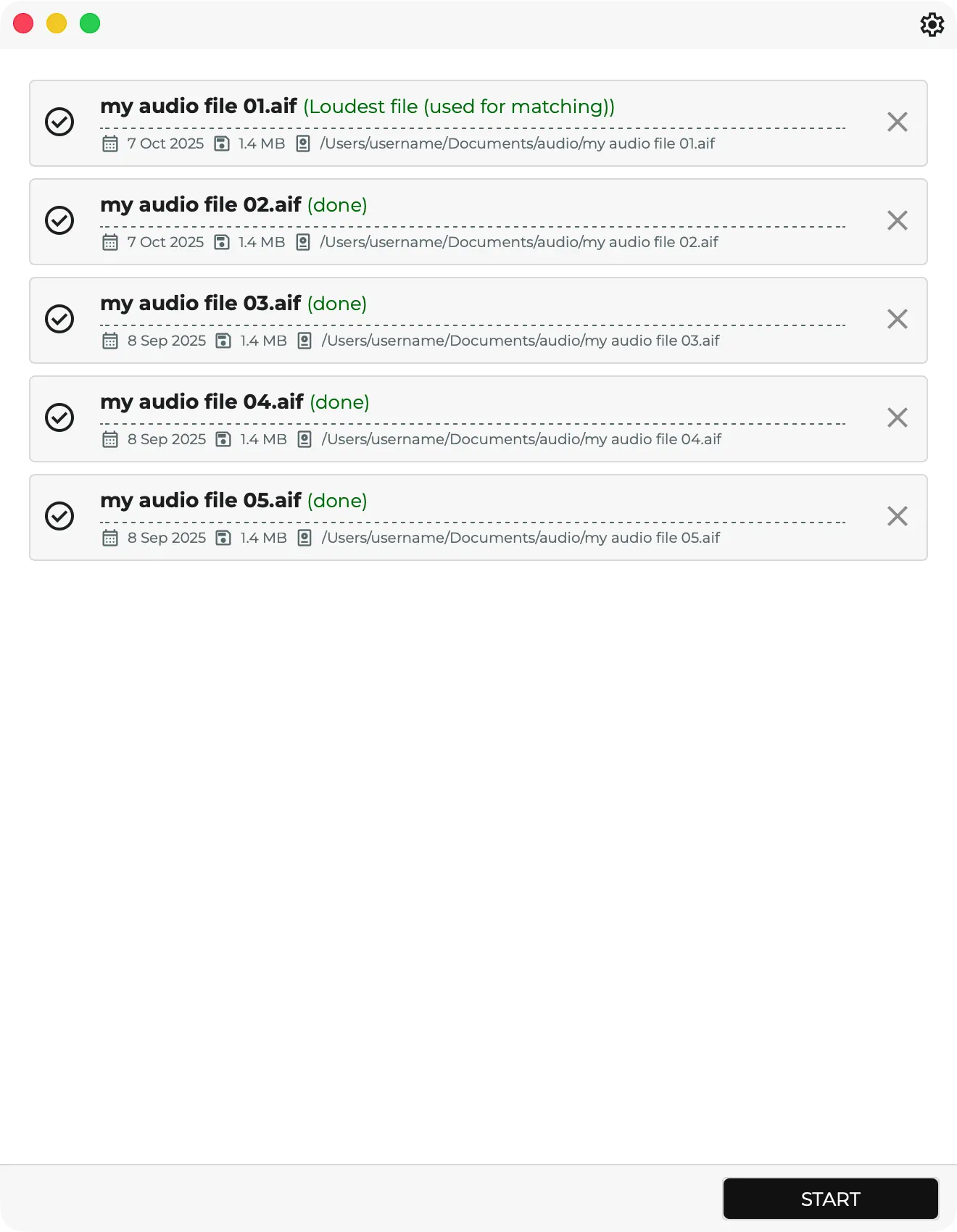
The recipe first analyzes every readable file in the queue, finds the loudest track in the set, and calculates one shared gain move for the whole batch. That shared adjustment is then applied to every track, so the album or grouped program keeps its internal dynamics while still being brought toward the chosen overall delivery level.
Default Behavior
- Target loudness in LUFS
- Limiter mode: none, fast peak, or true peak
- True-peak ceiling control
- Optional subfolder and filename tagging for organized exports
Export Settings
- Auto Start
- Overwrite
- Custom Folder
- Sub Folder
- Name Tag
This makes Album Normalisation especially valuable for EPs, albums, cue packs, grouped deliverables, and any release where track-to-track relationships should survive the normalization step.
Screenshots
Recipe screenshots